Resize AVIF Images
Resize AVIF images to any dimensions while preserving outstanding image quality.
 ResizeMany
 Resize AVIF images online for free with modern compression and private browser-based processing.
or, drag and drop images here
No signup limit.
Resize AVIF images to any dimensions while preserving outstanding image quality.
AVIF provides exceptional compression and smaller file sizes compared to traditional image formats.
Your AVIF images are processed directly on your device. No uploads, no tracking, no data sharing.
Resize AVIF images online in a few simple steps.
Resize AVIF images quickly and securely with ResizeMany. Our browser-based AVIF Resizer allows you to change image dimensions without installing software or uploading files to external servers. Simply select your AVIF image, enter the required size, and download the resized version instantly.
AVIF is a modern image format designed to deliver excellent visual quality while keeping file sizes small. It is increasingly used on websites, applications, and digital platforms where performance and image quality are both important. ResizeMany makes it easy to resize AVIF images while preserving the advantages of this advanced format.
Many website owners and developers use AVIF because it can provide high-quality images with efficient compression. Properly sized images help create a better user experience and ensure that visual content fits different layouts and screen sizes.
Whether you are preparing blog graphics, product photos, banners, portfolio images, or marketing assets, resizing AVIF images can help optimize content for its intended use while maintaining a professional appearance.
ResizeMany processes AVIF images directly within your browser. Your files remain on your device throughout the entire resizing process, providing greater privacy and control. There are no uploads, no third-party servers, and no unnecessary file transfers.
This approach is useful for personal images, business projects, client work, and any visual content that should remain private. Because everything happens locally, users can resize images quickly without waiting for large uploads to complete.
The resizing process is straightforward. Upload an AVIF image, choose your preferred dimensions, and download the resized result. The tool works on desktop computers, laptops, tablets, and smartphones using modern web browsers.
There is no account registration, software installation, or technical setup required. ResizeMany is designed to provide a smooth and accessible experience for anyone who needs to resize AVIF images online.
ResizeMany focuses on speed, privacy, and simplicity. The platform is completely free and allows users to resize AVIF images without subscriptions, hidden fees, or watermarks. Browser-based processing keeps files secure while delivering fast results.
Whether you are optimizing images for websites, digital content, applications, or online projects, ResizeMany provides a reliable way to resize AVIF images while maintaining excellent quality and complete privacy.
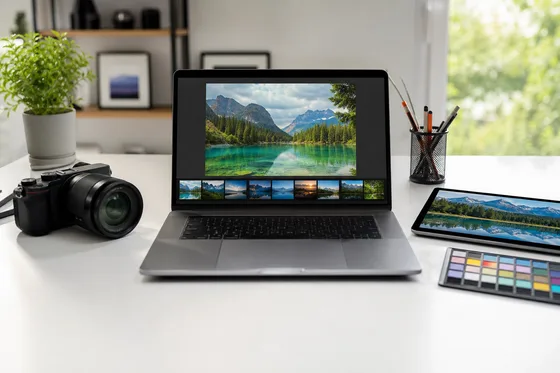
Set the width and height you need for AVIF images, or resize by percentage when you want a quick scale change. Keep aspect ratio locked for clean results while preparing high-quality photos for modern web layouts.
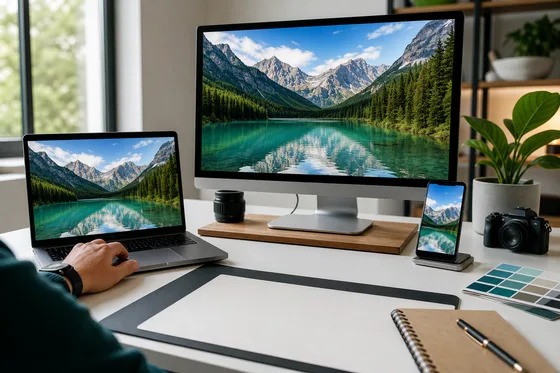
AVIF is built for efficient compression and strong visual quality. Resize your AVIF images locally, review export settings, and prepare crisp responsive visuals without uploading private files to a server.
Upload an AVIF file, choose the target dimensions, and export the resized result.
Browsers can commonly read AVIF, but browser canvas export is more reliable for WebP, PNG, and JPG.
Yes. AVIF can provide strong compression and high visual quality for modern browsers.
No. AVIF resizing happens locally on your device in the browser.
AVIF supports transparency, but final transparency depends on the output format you choose.
Export as WebP, PNG, or JPG. These formats are more consistently supported by browser canvas export.
Congratulations
Your resized image is ready to download.